Smart lighting switches aren’t just about convenience, they’re about rewiring how a home responds to its occupants. Unlike smart bulbs that die when someone flips a wall switch, smart switches control power at the source, work with standard bulbs, and integrate seamlessly into existing electrical boxes. They offer scheduling, voice control, energy monitoring, and automation without requiring a homeowner to replace every light fixture. For DIYers comfortable with basic electrical work, installation typically takes under 30 minutes per switch, though anyone unfamiliar with household wiring should hire a licensed electrician. With 2026 bringing tighter Matter protocol integration and better cross-platform compatibility, choosing the right smart switch means balancing features, compatibility, and installation requirements.
Table of Contents
ToggleKey Takeaways
- Smart lighting switches control power at the source, work with standard bulbs, and avoid the problem of smart bulbs becoming useless when someone flips a wall switch.
- Check your existing wiring before purchasing—neutral wire compatibility is critical, as many smart switches require one, though no-neutral models exist at higher cost and with fewer features.
- The best smart lighting switch for your home depends on your ecosystem: Lutron Caséta for reliability, Kasa for budget-friendly Wi-Fi convenience, or Inovelli for advanced local automation and customizable features.
- Match your switch load capacity to the fixture—standard switches handle 1,800 watts, but dimmers max out at 600W incandescent or 150W LED, and overloading causes flickering, buzzing, or failure.
- Matter-certified switches offer future-proofing with cross-platform compatibility across Apple Home, Google Home, Amazon Alexa, and SmartThings without vendor lock-in.
- Installation typically takes under 30 minutes for DIYers comfortable with electrical work, but anyone unfamiliar with wiring should hire a licensed electrician to ensure safe compliance with NEC guidelines.
What Makes a Smart Lighting Switch Worth Buying
A quality smart switch replaces a standard single-pole or three-way switch without requiring a neutral wire, though most modern installations include one. The key differentiators separate mediocre products from reliable daily drivers.
Neutral wire compatibility matters. Older homes (pre-1980s) often lack neutral wires in switch boxes, which many smart switches require for power. No-neutral models exist but typically cost more and offer fewer features. Before buying, homeowners should pop off a switch plate and check the wiring configuration, if only a black (hot) and white wire connected to brass screws are present, a no-neutral model is necessary.
Protocol support determines ecosystem compatibility. Wi-Fi switches work standalone but can congest home networks. Zigbee and Z-Wave switches require a hub (like SmartThings or Hubitat) but create stable mesh networks. Matter-certified switches work across Apple Home, Google Home, Amazon Alexa, and Samsung SmartThings without vendor lock-in, a major advantage in 2026.
Load capacity and dimming capability must match the application. Standard switches handle 15 amps at 120V (roughly 1,800 watts), but dimmers often max out at 600W or 150W for LEDs due to heat dissipation in the electronics. Overloading a dimmer switch causes flickering, buzzing, or premature failure. For high-wattage applications like chandelier circuits, buyers need a switch rated for the total load.
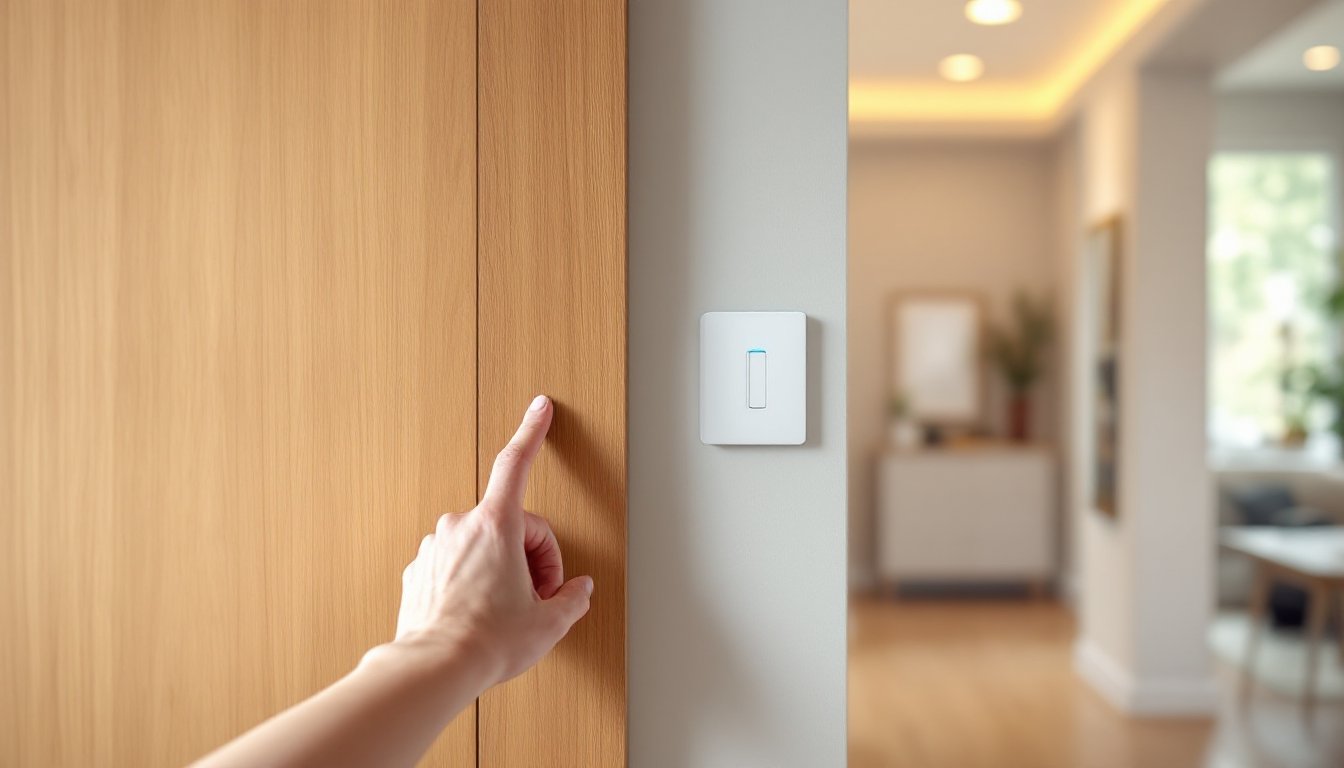
Physical design impacts usability. Paddle-style switches feel familiar, while touch-sensitive panels look modern but can confuse guests. Backlit status LEDs help locate switches at night but may be too bright in bedrooms, some models allow brightness adjustment or disable the LED entirely.
Installation requirements vary. Single-pole switches (controlling lights from one location) install quickly. Three-way setups (two switches controlling the same fixture) require either two smart switches or one smart switch plus a compatible add-on switch, adding cost and complexity. Four-way circuits (three or more switches) get messier, some systems don’t support them at all.
Top Smart Lighting Switches Reviewed
Best Overall Smart Light Switch
Lutron Caséta Dimmer Switch earns the top spot for reliability and ease of installation. It requires a neutral wire but installs in standard single-gang boxes without crowding. The Caséta system uses a proprietary RF protocol (not Wi-Fi) that communicates through the Lutron Smart Bridge hub, which connects to a router via Ethernet. This architecture keeps the network stable even when dozens of switches are installed.
The dimmer handles up to 600W incandescent or 150W LED and includes a Pico remote, a wireless battery-powered switch that mounts anywhere without wiring, perfect for converting single-pole circuits into three-way setups. The paddle design feels natural, and the dimmer responds instantly with no perceptible lag.
Lutron integrates tightly with major platforms: Apple HomeKit (via the bridge), Google Assistant, Alexa, and SmartThings. The mobile app allows scheduling, scenes, and geofencing. Installers appreciate that Lutron publishes clear wiring diagrams and maintains strong technical support.
Drawback: The system requires the Smart Bridge hub (around $80 separately, or bundled with starter kits), and switches run $50–$60 each, premium pricing compared to Wi-Fi competitors. But the reliability justifies the cost for anyone installing more than a handful of switches.
Best Budget-Friendly Option
Kasa Smart Dimmer Switch (HS220) offers solid performance without a hub. It connects directly to 2.4GHz Wi-Fi, eliminating the need for additional hardware. Installation requires a neutral wire and fits a standard single-gang box, though the unit runs slightly deeper than mechanical switches, tight boxes may need pigtail wire connections redone.
The HS220 supports up to 150W LED or 400W incandescent and dims smoothly with a dedicated slider next to the paddle switch. The Kasa app allows scheduling, timers, and scenes, plus voice control via Alexa and Google Assistant (but not HomeKit unless routed through a workaround like Homebridge).
At around $25 per switch, Kasa undercuts competitors significantly. The no-hub design appeals to renters or anyone installing just one or two switches. Response time averages about one second, slightly slower than hub-based systems but acceptable for most applications.
Limitation: Wi-Fi congestion becomes noticeable in homes with 10+ smart switches. Each device consumes a DHCP lease, and cheap routers struggle with the load. Also, Kasa lacks Matter support, so future-proofing is uncertain.
Best for Advanced Home Automation
Inovelli Blue Series VZM31-SN brings pro-level features in a Zigbee 3.0 package. It works without a neutral wire using innovative power-stealing circuitry and supports loads down to 1W, making it compatible with virtually any LED bulb, including finicky smart bulbs used in “smart bulb mode” where the switch maintains constant power.
The Blue Series includes an RGB LED bar with six customizable zones, useful for notification alerts, flash red when the garage door is open, blue when the washing machine finishes, etc. The switch also offers scene control: single tap, double tap, triple tap, hold, and release gestures trigger different automations without additional hardware.
Local control is the killer feature. Paired with a Zigbee hub like Home Assistant, Hubitat, or SmartThings, automations run locally without cloud dependency. This means sub-second response times and operation during internet outages. The switch supports binding to Zigbee bulbs for direct control without routing through a hub at all.
At $60 per switch, pricing matches Lutron but delivers far more functionality. Installation is straightforward for anyone comfortable reading wiring diagrams. Inovelli provides excellent documentation and active community support forums.
Trade-off: The feature set intimidates casual users. The paddle’s multi-tap controls require learning, and the advanced configuration parameters (over 50 adjustable settings) demand patience. This switch rewards tinkerers but may frustrate someone wanting plug-and-play simplicity.
How to Choose the Right Smart Switch for Your Home
Start by checking the existing wiring. Turn off the breaker, remove the switch plate, and identify the wires. A neutral wire (usually a bundle of white wires wire-nutted together in the back of the box) opens up most options. Without one, choices narrow to no-neutral models or rewiring, the latter requires running new 14/3 or 12/3 Romex from the fixture to the switch, a job best left to an electrician unless the homeowner has experience with electrical permits and drywall repair.
Match the switch type to the circuit. Single-pole circuits need one smart switch. Three-way circuits work best with systems offering wireless remotes (like Lutron’s Pico) or a dedicated add-on switch, avoiding the cost of two full smart switches. Four-way circuits require careful research, not all systems support them.
Dimmer or on/off? Dimmers cost $10–$20 more but offer flexibility. But, not all fixtures dim well. CFL bulbs rarely dim smoothly, and cheap LED bulbs may flicker or buzz. Check that bulbs are labeled “dimmable” and consider leading-edge or trailing-edge dimmer compatibility, most modern LEDs prefer trailing-edge, which Lutron and Inovelli support via configuration settings.
Ecosystem lock-in deserves thought. A homeowner already invested in Google Nest or Alexa may prefer Wi-Fi switches for simplicity. Someone building a larger smart home should consider hub-based systems for reliability and local control. Matter certification future-proofs the investment, but as of 2026, Matter smart switch availability remains limited, early adopters may need to wait or choose established ecosystems.
Load requirements matter for high-wattage fixtures. A dining room chandelier with eight 60W-equivalent LEDs draws only about 64W total, well within any dimmer’s range. But older fixtures with incandescent bulbs or numerous recessed cans may exceed 600W. Calculate total wattage and leave 20% headroom. If the load exceeds switch capacity, either reduce bulb wattage or install a smart relay in the electrical panel, a job requiring an electrician.
Aesthetic preferences shouldn’t be ignored. Paddle switches blend into traditional homes. Touch panels suit modern minimalist design. Some switches, like the Inovelli, allow swapping colored paddles, white, black, or gray, to match décor.
Finally, budget realistically. A typical home might have 15–25 switches. At $50 each plus a hub, costs add up quickly. Prioritize high-traffic areas (kitchen, living room, master bedroom) first. Single switches in closets or laundry rooms can stay dumb, not everything needs automation.
Conclusion
The best smart lighting switch depends on the homeowner’s technical comfort, existing ecosystem, and budget. Lutron Caséta delivers bulletproof reliability for those willing to invest. Kasa offers accessible entry points for casual users. Inovelli empowers advanced automation enthusiasts. Whatever the choice, proper installation, confirming wire compatibility, respecting load limits, and following NEC guidelines, ensures safe, dependable operation. Smart switches aren’t a gimmick: they’re a practical upgrade that improves daily life while adding resale value.